Product details
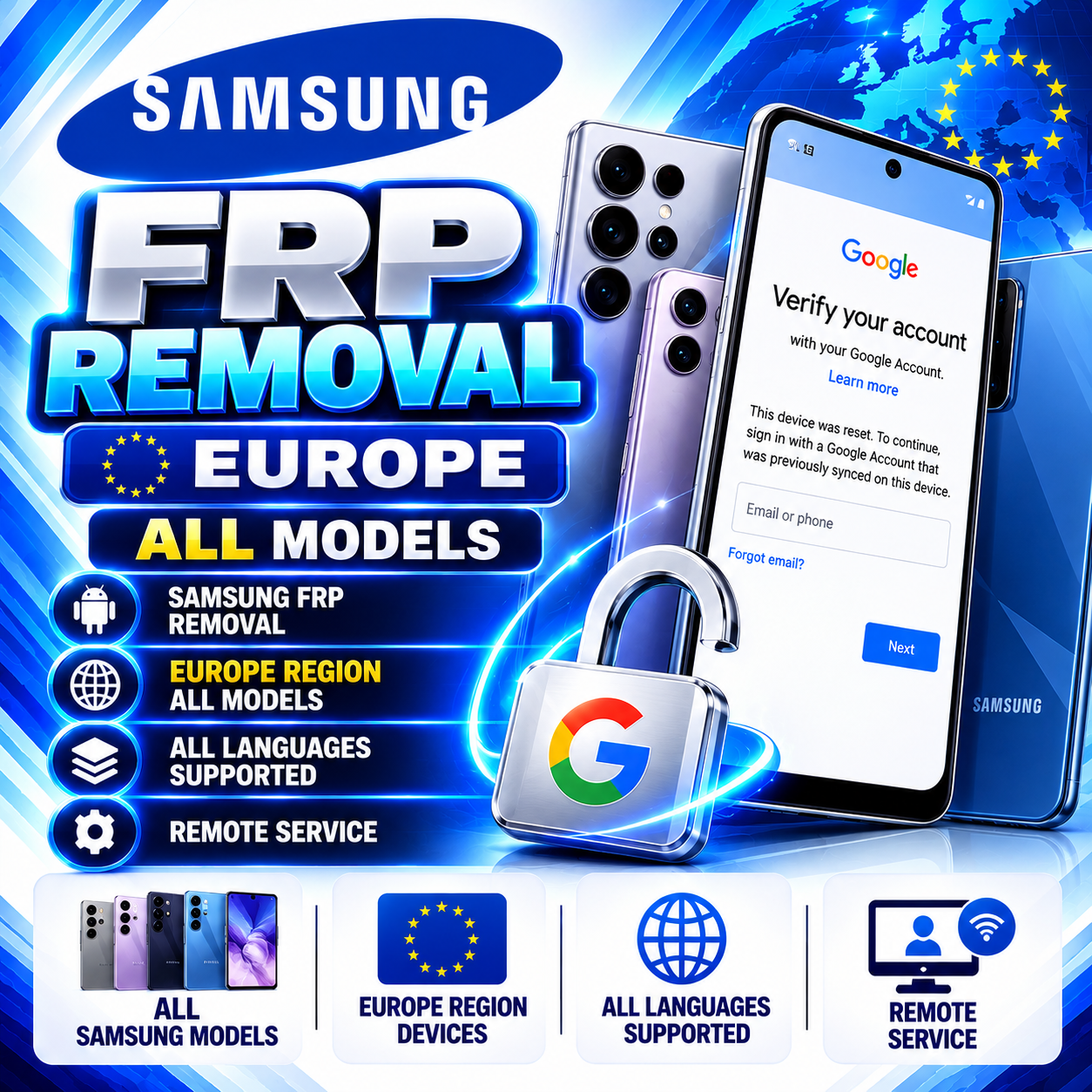
Samsung FRP Removal — Europe All Models | Remote Service
USD 79.00
In stock
Delivery: 0-10 Minutes
Description
Samsung FRP Removal — Europe All Models | Remote Service Remote Samsung FRP service for eligible devices from European regions. Contact our WhatsApp support team to confirm current service availability before placing your order. Supported device eligibility must be confirmed by our team. Remote Service European Region Devices Support Confirmation Required Important — Check Service Availability First This service may not be available at all times. Before placing an order, contact our WhatsApp support team and ask whether the service is currently online and whether your device is eligible. Check Availability on WhatsApp WhatsApp Support: +8801686111550 Service Overview Brand: Samsung Service: FRP Removal Region: European-region devices Models: All models are subject to service-provider eligibility confirmation. Languages: All language versions are subject to eligibility confirmation. Service Method: Remote service with customer-side USB connection and support-team assistance. Required Order Information: Device IMEI or Serial Number. Required Customer Information 1. Device IMEI or Serial Number: Enter the correct device identifier in the order form. 2. Order ID: After placing the order, send your order ID to our WhatsApp support team so they can locate your order. Step 1 — Confirm Availability and Place Your Order Contact our WhatsApp support team to check whether the service is currently online. Provide your Samsung device model and region for an eligibility check if requested. Once availability is confirmed, open the service page on our website. Enter the correct IMEI or Serial Number in the required order field. Review the information carefully and submit your order. Send your order ID to WhatsApp support: +8801686111550. Send Order ID on WhatsApp Step 2 — Download USB Redirector Technician Edition V2.5 A Windows computer and the required USB redirection software may be needed for the remote session. Download USB Redirector Technician Edition from the software publisher's official download page. USB Redirector Technician Edition — V2.5 Download USB Redirector V2.5 Official publisher download page. Locate Technician Edition V2.5 and confirm the version before downloading. Install the software according to the publisher's instructions. Follow the connection details and session instructions provided directly by our support team. Do not use connection details supplied by unknown sources. Step 3 — Check Your PC IP Address Our support team may request your PC's IP address to help prepare the remote session. You can use the website below to check your public IP address. Check Your PC IP Address This link opens an external website. Check that the displayed address is the one requested by support before sharing it. Once support confirms the connection requirements, send the requested device Serial Number and PC IP information to the official WhatsApp support contact. Share these details only for your own authorized device and the specific service session. Step 4 — Check USB Connection and Drivers Use a suitable USB data cable and connect the phone to your Windows computer as instructed by support. Check that the required Samsung USB drivers are installed on your computer. Confirm that Windows detects the device correctly before starting the remote session. If the phone is not detected, try a different data cable or USB port and check the driver installation. Contact support if the connection is still not detected. Follow only the instructions provided for your confirmed service session. Remote Session and Completion After receiving your order ID, our team will review the request and guide you through the required connection setup if the service is available. Keep your computer and phone connected as instructed during the authorized service session. Our support team will notify you when the service is completed or if additional information is required. Contact WhatsApp Support Important Terms and Conditions Always check service availability with WhatsApp support before ordering. Enter the correct IMEI or Serial Number. Incorrect information may prevent service completion. The device must be eligible for the requested service. Model, region, software version, and other factors may affect compatibility. A Windows PC, a working USB data cable, and suitable device drivers may be required. Download software from the official publisher's website and follow the applicable license terms. Do not share passwords, Google account credentials, or unrelated personal information with support. Only request service for a device you own or are explicitly authorized to service. Proof of ownership or authorization may be requested. Order processing depends on service availability and successful device connection. Contact support for any order-specific updates. Before You Start ✔ Service availability confirmed on WhatsApp ✔ Correct device IMEI or Serial Number submitted ✔ Order ID sent to support ✔ USB Redirector Technician Edition V2.5 downloaded from the official publisher ✔ PC IP checked if requested by support ✔ USB cable and device drivers checked ✔ Connection details received directly from support Samsung is a trademark of Samsung Electronics. This is an independent third-party service and is not affiliated with or endorsed by Samsung. USB Redirector is third-party software; its name and trademarks belong to their respective owners.