Product details
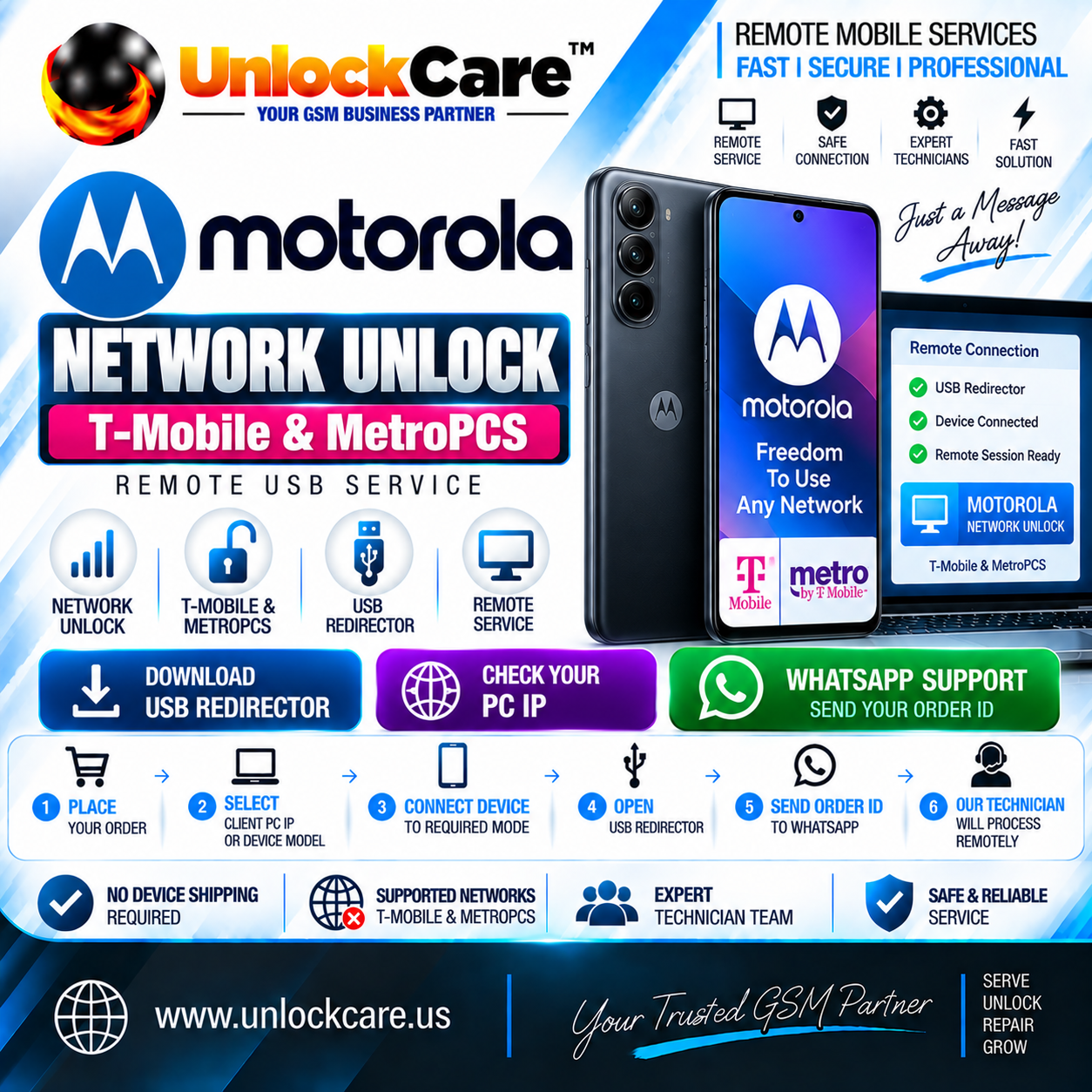
Moto Network Unlock —T-Mobile & MetroPCS | Remote USB Service
USD 5.90
In stock
Delivery: 0-10 Minutes
Description
📌 SERVICE INFORMATIONService: Moto Network Unlock — T-Mobile & MetroPCS | Remote USB ServiceService Type: Remote Technician ServiceProcessing: Remote ManualConnection: USB RedirectorOrder Type: Client PC IP / Device ModelSupport: WhatsApp🔓 REMOTE MOTO NETWORK UNLOCKThis is a remote network unlock service for supported Motorola Moto devices locked to T-Mobile USA or MetroPCS.Your device stays with you. Our technician processes the network unlock remotely through USB Redirector.📥 USB Redirector:[ DOWNLOAD USB REDIRECTOR ]🌐 Check Your PC IP:[ CHECK YOUR PC IP ]📲 WhatsApp Support:[ CONTACT WHATSAPP SUPPORT ]⚙️ HOW TO ORDER1. Place the order on the UnlockCare website.2. Select: • Client PC IP • Device Model3. Connect your Motorola device to the required USB/Service Mode.4. Install and open USB Redirector.5. Check your PC IP and send it with your Order ID.6. Contact UnlockCare WhatsApp Support.7. Our technician will process the unlock remotely.⚠️ IMPORTANT• T-Mobile USA & MetroPCS supported service.• Motorola Moto devices only.• Device/model eligibility must be confirmed.• Stable internet and USB connection are required.• Keep the device connected during remote processing.• Do not disconnect during technician processing.• Check your exact Motorola model before ordering.• Eligibility may depend on carrier, model and device status.🔒 SERVICE POLICYRemote Processing: YesDevice Stays With Customer: YesConnection: USB RedirectorNetworks: T-Mobile USA / MetroPCSBrand: Motorola MotoSupport: WhatsAppOrder ID: RequiredPC IP: RequiredPhysical Shipping: Not Required