Product details
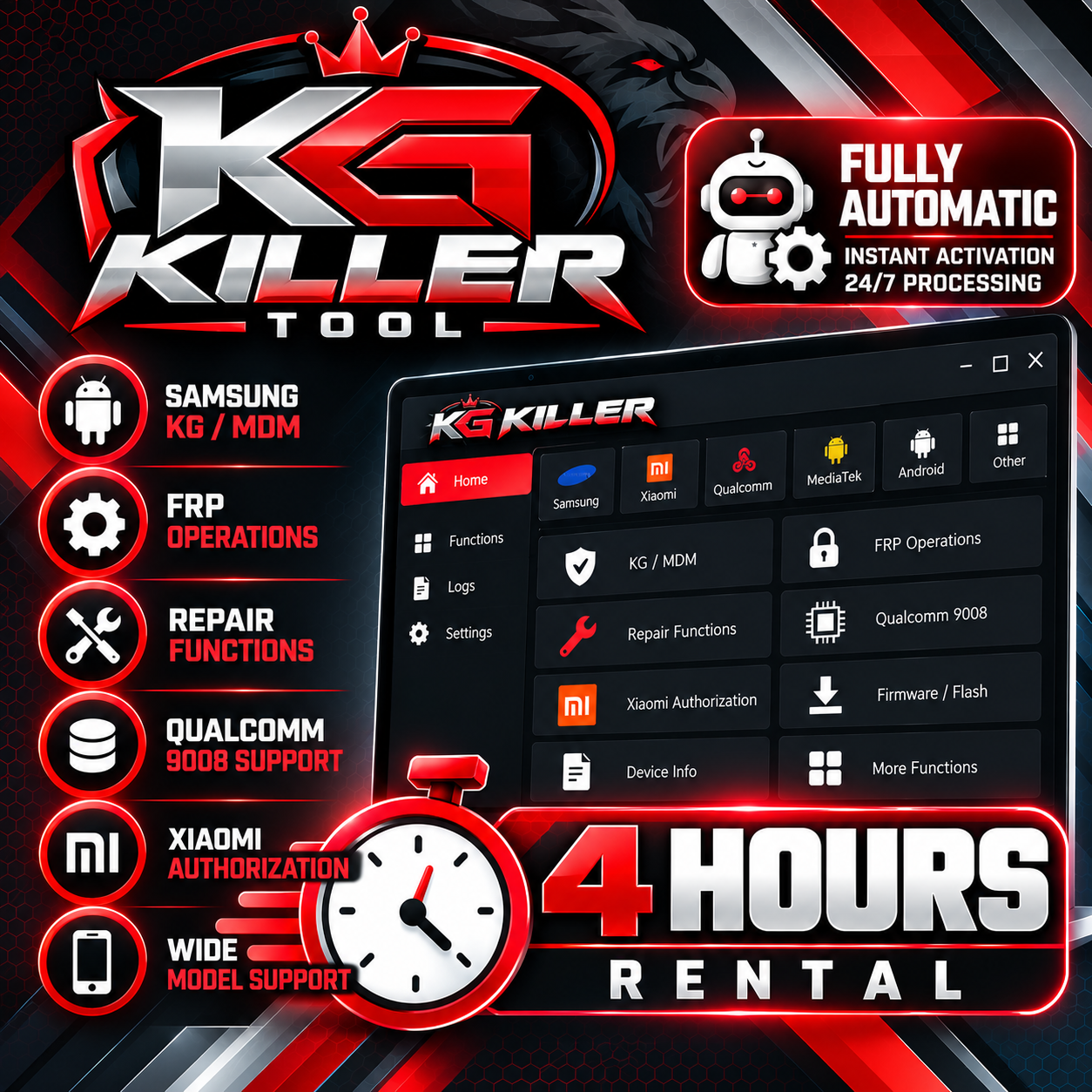
KG Killer Tool Rental — 4 Hours
USD 8.10
In stock
Delivery: 0-10 Minutes
Description
🔐 KG Killer Tool Rental — 4 Hours KG Killer is a professional Android servicing tool focused on Samsung Knox Guard, MDM/IT Admin operations, Qualcomm 9008 services, Xiaomi authorization and other supported device operations. Always check the official supported model and operation before ordering. ⏱️ RENTAL DURATION: 4 HOURS 4 HOURS TOOL RENTAL — this is your active KG Killer rental time, not the service processing time. ⚡ FULLY AUTOMATIC Rental activation is processed automatically 24/7 after ordering. 💻 BEFORE ORDERING Use a Windows 10/11 64-bit PC. Download and install the latest official KG Killer software. Install the required Samsung, MediaTek and Qualcomm 9008 USB drivers. Add the KG Killer folder to Windows Defender/antivirus exclusions if required by the official installation instructions. Check the supported model and operation before ordering. Prepare your PC and device completely before starting the rental. 🛠️ HOW TO USE Download and install the latest KG Killer Tool. Install the required USB/device drivers. Open KG Killer and log in using the rental account details provided after activation. Check your exact device model and supported operation. Connect the device in the required mode, such as ADB, Fastboot, Download Mode or Qualcomm EDL 9008. Select the required supported function. Follow the instructions displayed by KG Killer and start the operation. 🔧 MAIN SUPPORTED FUNCTIONS Samsung Knox Guard (KG) operations Samsung MDM / IT Admin operations PayJoy / Axio supported operations FRP operations Qualcomm EDL 9008 / Firehose operations Xiaomi / Redmi / POCO supported authorization operations Firmware flashing and device repair functions Device information and diagnostic functions Supported functions vary by model, chipset and software version. Check the official KG Killer documentation before starting any operation. 🌐 OFFICIAL KG KILLER 👉 Official KG Killer Website 👉 Download KG Killer & Official Builds 👉 KG Killer Tool Interface & Functions 📋 REQUIRED INFORMATION KG Killer Account Username Use the correct KG Killer account information required for rental activation. ⚠️ IMPORTANT Prepare your PC, drivers and device before starting the rental. Always verify the exact model and required operation before ordering. Use one properly prepared PC whenever possible and avoid unnecessary PC changes during the rental period. The rental countdown continues after activation for the purchased 4-hour period. Unused rental time caused by customer preparation, unsupported devices or failure to use the tool during the rental period cannot be extended. Some operations may require specific device conditions, chipset support or additional authorization/credits. Do not start the rental until your PC and device are fully ready. KG Killer is intended for legitimate servicing of devices that you are authorized to repair. 🛒 HOW TO ORDER Prepare your Windows 10/11 64-bit PC. Install the latest KG Killer software and required drivers. Check your exact device and operation on the official KG Killer website. Make sure your PC and device are ready. Order KG Killer Tool Rental — 4 Hours. Rental activation will be processed automatically. Log in with the supplied KG Killer account and use the tool during your active 4-hour rental period. UnlockCare — Your GSM Business Partner