Product details
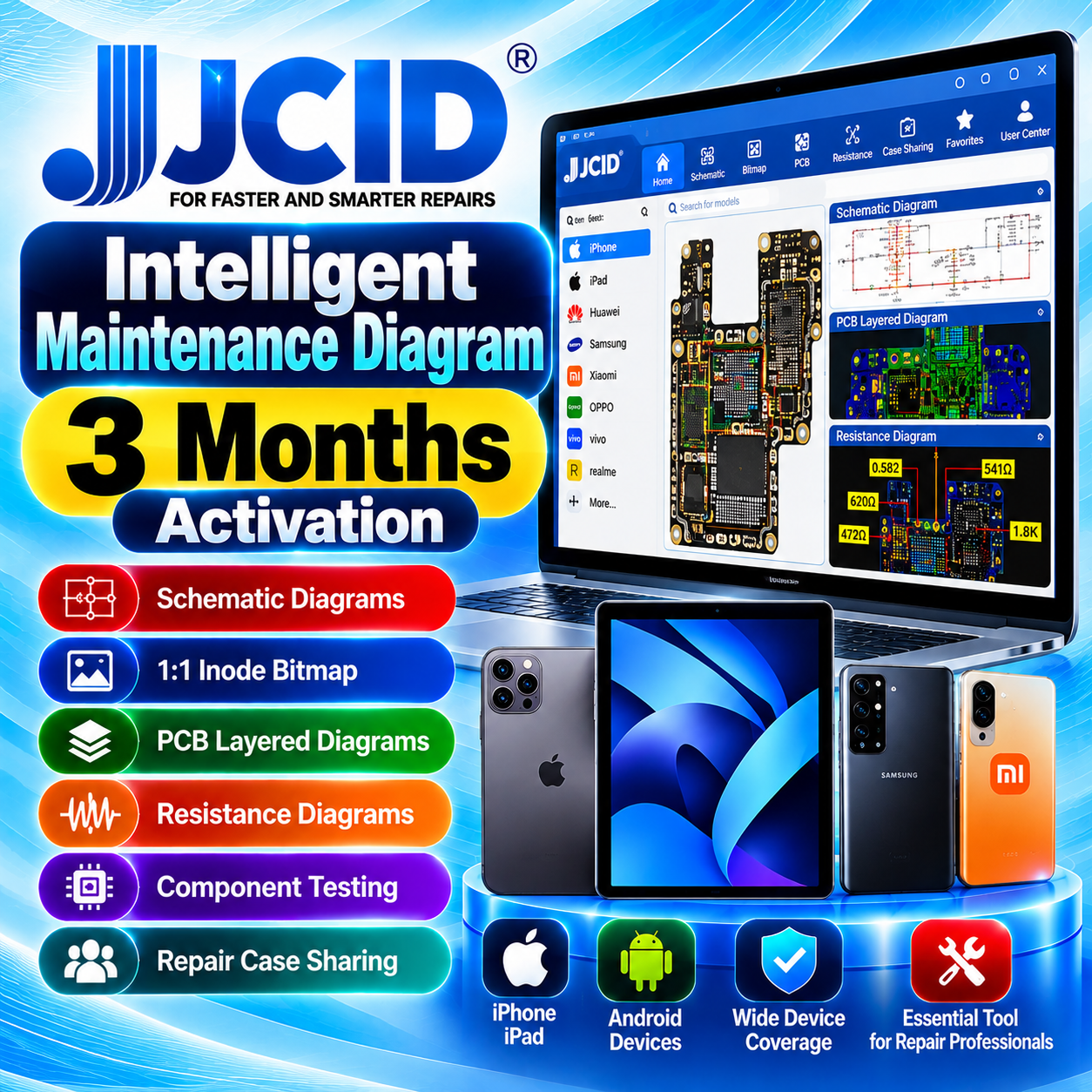
JCID Intelligent Maintenance Diagram – 3 Months Activation
USD 11.90
In stock
Delivery: 0-5 Minutes
Description
JCID Intelligent Maintenance Diagram – 3 Months Activation Activate JCID Intelligent Maintenance Diagram (JC Drawing) for a period of 3 months. This service is intended for mobile phone and tablet repair professionals who need schematic diagrams, PCB references and other technical information for supported devices. JC Drawing is an official JCID product designed to assist with electronic device diagnosis, motherboard analysis and repair workflows. SERVICE INFORMATION Service Name JCID Intelligent Maintenance Diagram – 3 Months Activation Brand JCID Product JC Intelligent Maintenance Diagram (JC Drawing) Activation Period 3 Months Service Type Software Activation Order Information JCID account details as requested during ordering KEY FEATURES Schematic Diagrams: View circuit references for supported devices. 1:1 Inode Bitmap: Access component-position references for supported boards. PCB Layered Diagrams: Use layered circuit-board references for repair and diagnosis. Resistance Diagrams: Review resistance-related reference information where available. Component Testing: Access supported component testing and mapping functions. Repair Case Sharing: Use the software's available repair-case and schematic-sharing features. Multi-Device References: Access available technical data for supported iPhone, iPad and Android devices. Repair Workflow Support: Use supported software functions with compatible JCID hardware where required. SUPPORTED DEVICES AND COMPATIBILITY JC Drawing provides technical drawing data for various mobile phones and tablets, including supported Apple and Android devices. Available diagrams and functions vary by device model and database coverage. Please verify the supported device list, software version and any hardware requirements through the official JCID website before ordering. This activation does not guarantee that every model or repair function is supported. REQUIREMENTS BEFORE ORDERING Ensure that you have a valid JCID account suitable for the intended activation. Provide the correct account identifier or other information specifically requested by the order form. Check that the account and software version are compatible with this activation service. Confirm that you have selected the correct 3-month activation option. Do not submit your account password or unrelated confidential information. Review your order details carefully before submitting the request. HOW TO PLACE YOUR ORDER Select JCID Intelligent Maintenance Diagram – 3 Months Activation. Submit the required JCID account information through the designated order form. Check all submitted details for accuracy. Submit your order for processing. After processing, sign in to your JCID account and verify the activation status and validity period. ACTIVATION PERIOD AND PROCESSING Activation Validity: 3 months, subject to the applicable JCID licensing terms. Processing: Depends on the activation system and successful verification of the submitted information. Activation Confirmation: Check the status and expiry date in your JCID account after processing. Renewal: A new activation may be required after the current validity period expires. IMPORTANT SERVICE NOTES This listing covers a 3-month activation period, not a lifetime license. The actual start date and expiry date depend on the applicable activation and licensing rules. Successful activation depends on account eligibility, correct information and activation availability. Incorrect or incomplete account information may delay or prevent processing. Do not submit duplicate orders for the same activation request while it is being processed. Order cancellation and refund eligibility are subject to the applicable service terms and order status. Software features and device coverage may change when JCID updates its software or database. OFFICIAL JCID WEBSITE For official product details, software downloads and compatibility information, visit: JC Programmer – Official Website CUSTOMER SERVICE FEEDBACK Please use the designated UnlockCare GSM-Forum feedback thread to share feedback about the activation service, processing and service results. For payment questions, account assistance, cancellation requests or other support matters, please contact the appropriate support channel instead of posting them as service feedback. LEAVE SERVICE FEEDBACK UnlockCare — Your GSM Business Partner