Product details
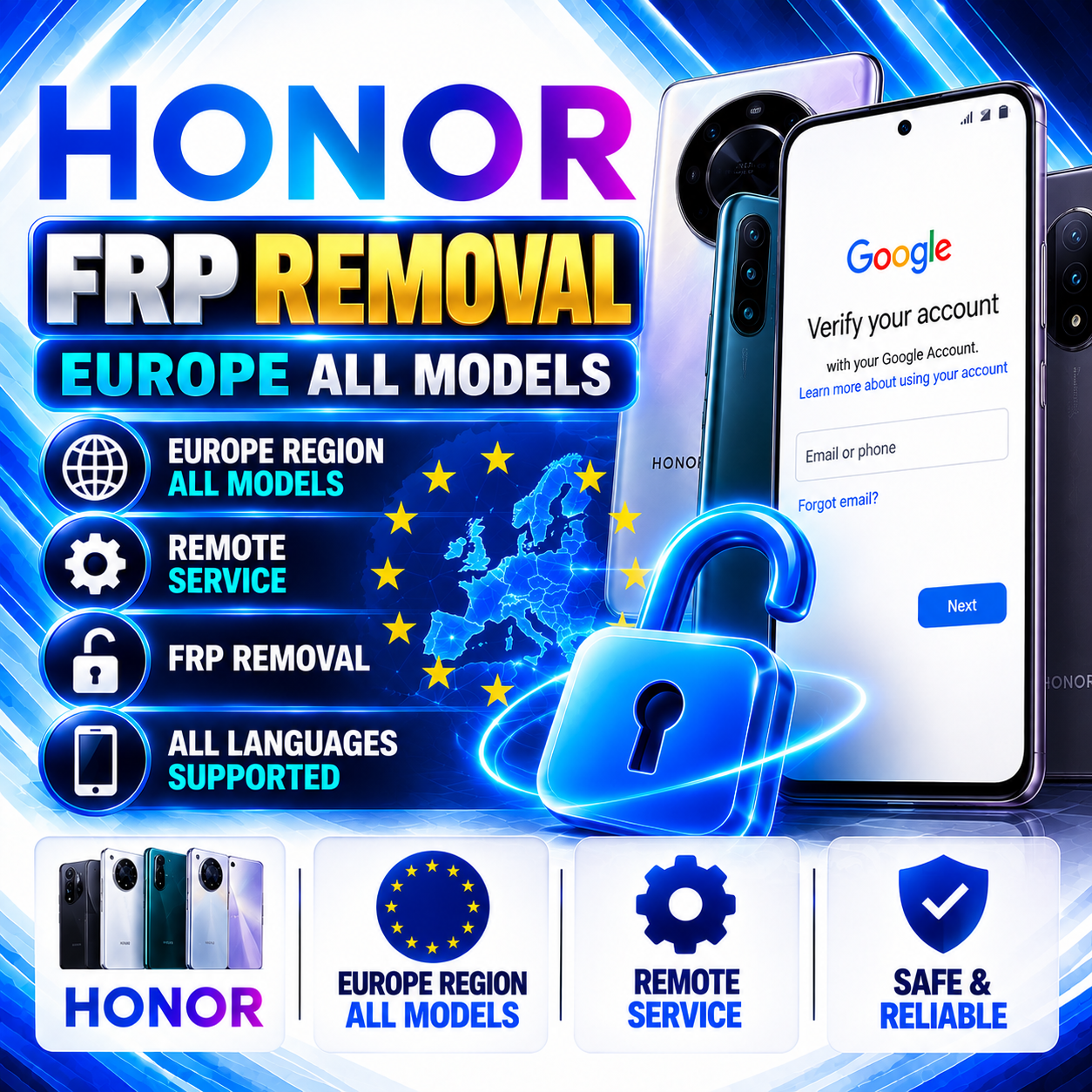
Honor FRP Removal — Europe All Models | Remote Service
USD 42.90
In stock
Delivery: 0-10 Minutes
Description
HONOR FRP Removal — Europe All Models | Remote Service Remote service for eligible HONOR devices requiring FRP assistance. Contact our WhatsApp support team before ordering to confirm service availability, device compatibility, and the steps you need to follow during the remote session. Europe Region Remote Service WhatsApp Support Important — Confirm Availability Before Ordering Please contact our WhatsApp support team before placing an order. We will confirm whether the service is currently available for your HONOR device and explain how to cooperate with our team during the remote process. Contact WhatsApp Support Service Overview This service provides remote assistance for eligible HONOR devices affected by Factory Reset Protection (FRP). The service is intended for Europe-region devices. Actual compatibility depends on the device model, software configuration, and current service availability. Please confirm eligibility with support before ordering. Required Customer Information Correct HONOR device IMEI or Serial Number, as required by the order form. Website Order ID after placing your order. A Windows PC or laptop, if required for your remote session. A suitable USB data cable and a stable internet connection. Device or PC connection information requested by support for your session. Please check all submitted information carefully. Incorrect or incomplete details may prevent successful processing. How to Order Step 1 — Contact Support First Contact our WhatsApp support team to confirm that the service is online and available. Provide your HONOR device model and the requested identification details for compatibility review. Our team will explain how the remote process works and what cooperation is required from you. Place your order after support confirms availability. Chat with Support on WhatsApp Step 2 — Place Your Order Enter the correct IMEI or Serial Number in the service order form. Submit your order through the website. Send your Order ID to WhatsApp support. Wait for the support team to confirm the next steps for your device. Step 3 — Download USB Redirector V2.5 If support confirms that USB Redirector is required for your session, download it from the official publisher's website. Locate the appropriate USB Redirector Technician Edition and check the Windows compatibility information before installing it. Follow the session-specific setup instructions provided by our support team. Download USB Redirector V2.5 Official USB Redirector download page by IncentivesPro. Step 4 — Check Your PC IP Address If your remote session requires your computer's public IP address, use the website below to check it. Share the information with our support team only when requested for your confirmed session. Check Your PC IP Address Step 5 — Prepare Your Device and PC Use a reliable USB data cable if a wired connection is required. Make sure your PC has the required device drivers installed, when applicable. Keep your computer connected to the internet throughout the remote session. Follow the device-specific connection instructions provided by support. Do not disconnect the phone or close the remote software during an active session unless support instructs you to do so. Customer Cooperation During Remote Service The exact steps required may differ depending on your HONOR model and software version. After reviewing your order, our team will guide you through the required cooperation steps via WhatsApp. Please follow the instructions carefully, respond to support when necessary, and wait for confirmation that the session is complete before disconnecting your device. Need help with the process? Contact WhatsApp support. We will explain the required setup, software, connection steps, and how you should cooperate during your remote session. Get Remote-Service Assistance Processing and Service Availability Service Type: Remote Service Processing depends on current service availability, device eligibility, successful connection, and customer cooperation. Contact WhatsApp support for the current estimated processing time before placing your order. Important Terms and Conditions Contact WhatsApp support to confirm availability and compatibility before ordering. Only eligible HONOR devices and supported software configurations can be processed. Incorrect or incomplete device information may cause processing failure. Customer cooperation is required during the remote session. A suitable USB cable, PC drivers, and stable internet connection may be required. Cancellation and refund eligibility are governed by the service's published terms and processing status. Never share Google account passwords, verification codes, or unrelated sensitive credentials with support. Back up important data where possible. Some device operations may erase data or require device setup again. This service must only be used on devices you own or are explicitly authorized to service. Before Submitting Your Order Availability confirmed with WhatsApp support. HONOR device model and eligibility checked. Correct IMEI or Serial Number entered. Order ID ready to send to support. USB Redirector V2.5 download page and PC IP-check link available if required. PC, cable, drivers, and internet connection prepared if needed. Ready to cooperate with the support team during the remote session. For availability checks, supported devices, software setup, PC IP information, and remote-session guidance, contact WhatsApp support before ordering. HONOR is a trademark of its respective owner. This service is independently offered and is not represented as an official HONOR service.