Product details
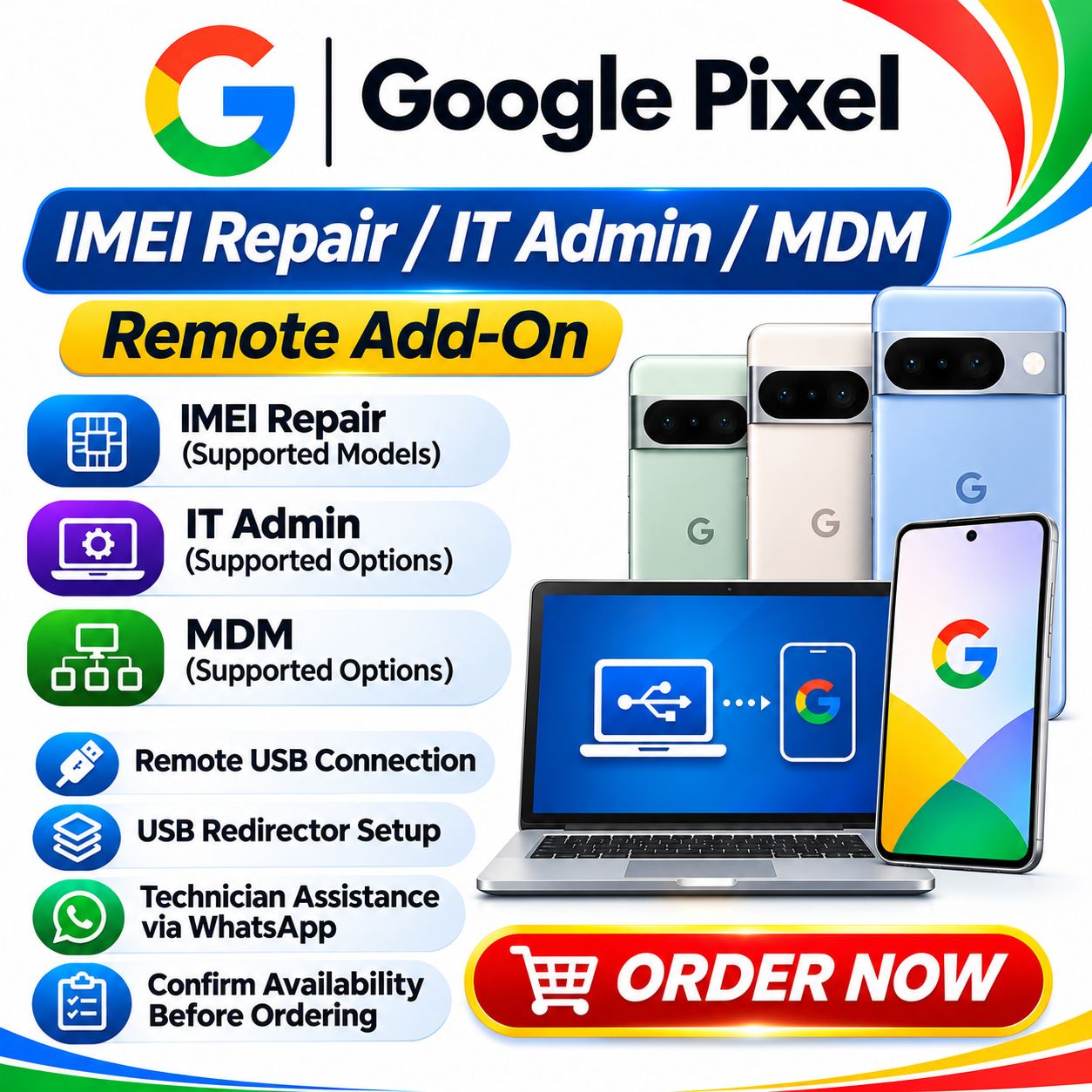
Google Pixel IMEI Repair / IT Admin / MDM | Remote Add-On
Google Pixel IMEI Repair, IT Admin and MDM remote add-on services for supported devices. Confirm service availability and device eligibility via WhatsApp before ordering.
USD 9.00
In stock
Delivery: 0-10 Minutes
Description
Google Pixel IMEI Repair / IT Admin / MDM | Remote Add-On Additional remote servicing options for supported Google Pixel devices. Choose the required IMEI Repair, IT Admin or MDM service and receive technician assistance through a secure remote USB connection using USB Redirector. SERVICE INFORMATION Brand: Google Pixel Service Type: Remote Add-On Service Available Options: IMEI Repair / IT Admin / MDM Service Method: Remote USB Connection Connection Software: USB Redirector Order Support: WhatsApp Assistance Availability: Must Be Confirmed Before Ordering AVAILABLE ADD-ON SERVICES IMEI Repair: Remote IMEI repair assistance for supported and eligible Google Pixel devices. IT Admin: Supported IT Admin-related servicing options, subject to device eligibility and authorization. MDM: Supported Mobile Device Management-related servicing, subject to device and management eligibility. Select or confirm your required add-on option with our support team before placing your order. HOW TO ORDER THIS SERVICE Contact our team on WhatsApp and provide your Google Pixel model and required add-on service. Confirm that the requested service is currently online and available for your device. After receiving confirmation, place the required Google Pixel Network Unlock order through our website, along with the applicable add-on. Send your Website Order ID to our support team on WhatsApp. Our team will provide the USB Redirector download link and complete setup instructions. Follow the instructions to establish the remote connection and proceed with the requested service. REMOTE CONNECTION METHOD We use USB Redirector to establish a remote USB connection between your Google Pixel device and our technician's computer. Our team will provide the required software download link and guide you through the installation and connection process via WhatsApp. SERVICE AVAILABILITY UPDATES Remote services may occasionally be temporarily unavailable due to server maintenance, connectivity or technical issues. Please confirm availability with our team before placing your order. Follow our official Telegram channel for the latest online/offline status and service announcements. If a service is temporarily offline, please cooperate with our support team and follow the updates. We will guide you when the service becomes available again. IMPORTANT TERMS & CONDITIONS This listing is for additional Google Pixel remote servicing options. Confirm the required add-on and device eligibility with our team before ordering. Availability must be confirmed on WhatsApp before purchasing. Place the required main Network Unlock order along with the applicable add-on. Send your Website Order ID to WhatsApp after placing your order. Download and install USB Redirector using the link provided by our team. Follow the remote connection instructions provided by our technicians. Organization-managed devices must be owned by you or handled with authorization from the responsible organization or administrator. Some management restrictions require release by the authorized administrator. Service results depend on device compatibility, eligibility and server availability. Never share your Google account password or other sensitive account credentials. WHATSAPP SUPPORT & SERVICE CONFIRMATION Contact our team to confirm availability, check device eligibility, select your required add-on and receive complete USB Redirector setup instructions. CONTACT US ON WHATSAPP TELEGRAM CHANNEL — SERVICE STATUS UPDATES Join our official Telegram channel to receive remote service availability updates, online/offline status and important announcements. JOIN OFFICIAL TELEGRAM CHANNEL CUSTOMER SUPPORT For add-on selection, device eligibility and remote service assistance, please contact our support team on WhatsApp.