Product details
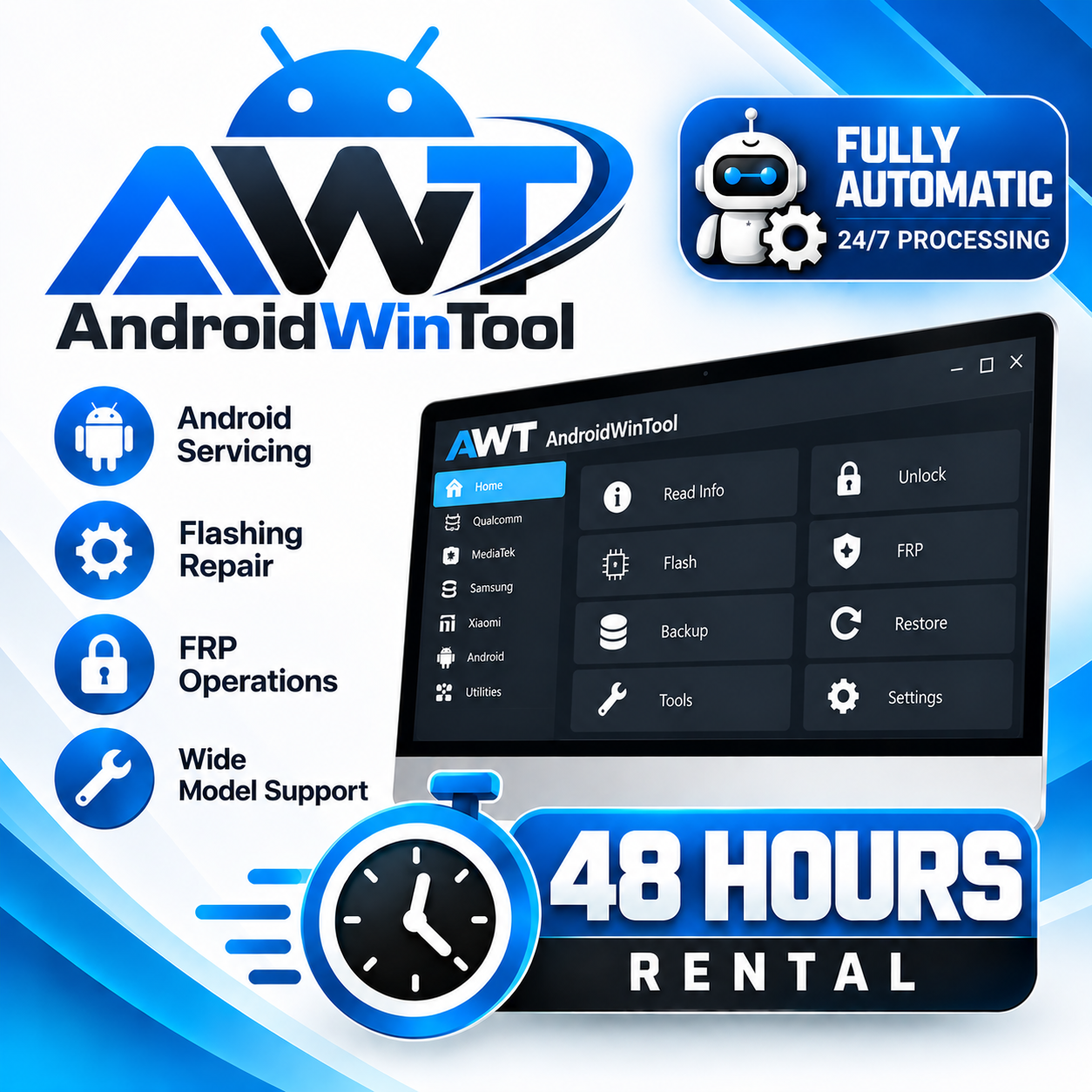
AndroidWinTool (AWT) Rental — 48 Hours
USD 2.50
In stock
Delivery: 0-10 Minutes
Description
🛠️ AndroidWinTool (AWT) Rental — 48 Hours AndroidWinTool (AWT) is professional Android servicing software for supported smartphones and tablets. It provides functions including IMEI/MEID/ Serial Number repair, firmware flashing, FRP and account-unlock operations, partition management, factory-mode tools and EDL servicing on compatible devices. AndroidWinTool supports major platforms including Qualcomm, MediaTek and selected Spreadtrum/Unisoc devices. Actual support depends on the exact model, chipset, firmware and security level. ⏱️ RENTAL DURATION: 48 HOURS 48 HOURS TOOL RENTAL — this is your active AndroidWinTool rental time, not the service processing time. ⚡ FULLY AUTOMATIC Rental activation is processed automatically 24/7 after ordering. 💻 BEFORE ORDERING Use a Windows 10 or later PC with a stable internet connection. Install the latest official AndroidWinTool software before activating the rental. Prepare your AndroidWinTool account/login information. Install the required USB/device drivers. Prepare the mobile device and required USB cable before starting the rental. Check the exact model, chipset and required operation on the official Supported Models page. Make sure your PC, software, drivers and device are fully ready before activation. 🛠️ HOW TO USE Download and install the latest official AndroidWinTool software. Register or prepare your AndroidWinTool account. Order the AndroidWinTool (AWT) Rental — 48 Hours. After activation, open AndroidWinTool and sign in with the assigned account. Connect the supported device in the required service mode. Select the appropriate brand, model or service function. Verify the exact model and supported operation. Follow the software instructions and start the operation. 🔧 MAIN SUPPORTED FUNCTIONS IMEI / MEID / Serial Number Repair on supported devices Firmware Flashing FRP and supported account-unlock operations Partition Management Factory Mode Operations Fastboot Read Info Fastboot Flash Firmware Fastboot Flash Partition Fastboot Reboot / Recovery EDL Operations on compatible Qualcomm devices MTK Mode servicing Unisoc / Spreadtrum servicing on supported devices ADB operations including supported APK management Device Information / Read Info Other supported Android repair operations AndroidWinTool's official Supported Models database lists compatibility by brand, model and operation. Support can vary between individual devices and operations, so always verify the exact device before starting a job. 🌐 OFFICIAL ANDROIDWINTOOL 👉 Official AndroidWinTool Website 👉 Download Latest AndroidWinTool Software 👉 Check Supported Models & Operations 👉 Official AndroidWinTool FAQ 📋 REQUIRED INFORMATION AndroidWinTool Account / Login Information Provide the correct account information required for rental activation. Do not provide your password or OTP unless specifically required by the official activation process. ⚠️ IMPORTANT Prepare your PC, software, drivers and device before starting the rental. Always verify your exact model, chipset, firmware/security level and required operation before ordering. The rental countdown continues after activation for the purchased 48-hour period. Unused rental time caused by customer preparation, unsupported devices or failure to use the tool during the rental period cannot be extended. AndroidWinTool support changes regularly through software updates and newly added models. A listed model does not guarantee that every operation is supported on that device. Check the operation-specific information on the official Supported Models page. Some operations may require additional payment or credits. Any required credits or additional operation fees are separate from this rental unless specifically stated in this service. Some operations may require a specific service mode, cable, driver or device preparation. Some repair operations may cause data loss. Always back up important customer data before servicing. Do not start the rental until your PC and device are fully ready. Use the tool only on devices you are authorized to service. 🛒 HOW TO ORDER Prepare your Windows PC and required drivers. Download and install the latest official AndroidWinTool software. Prepare your AndroidWinTool account/login. Check your exact device, chipset and required operation for compatibility. Make sure your PC and device are fully ready. Order AndroidWinTool (AWT) Rental — 48 Hours. Rental activation will be processed automatically. Log in and use AndroidWinTool during your active 48-hour rental period. UnlockCare — Your GSM Business Partner