Product details
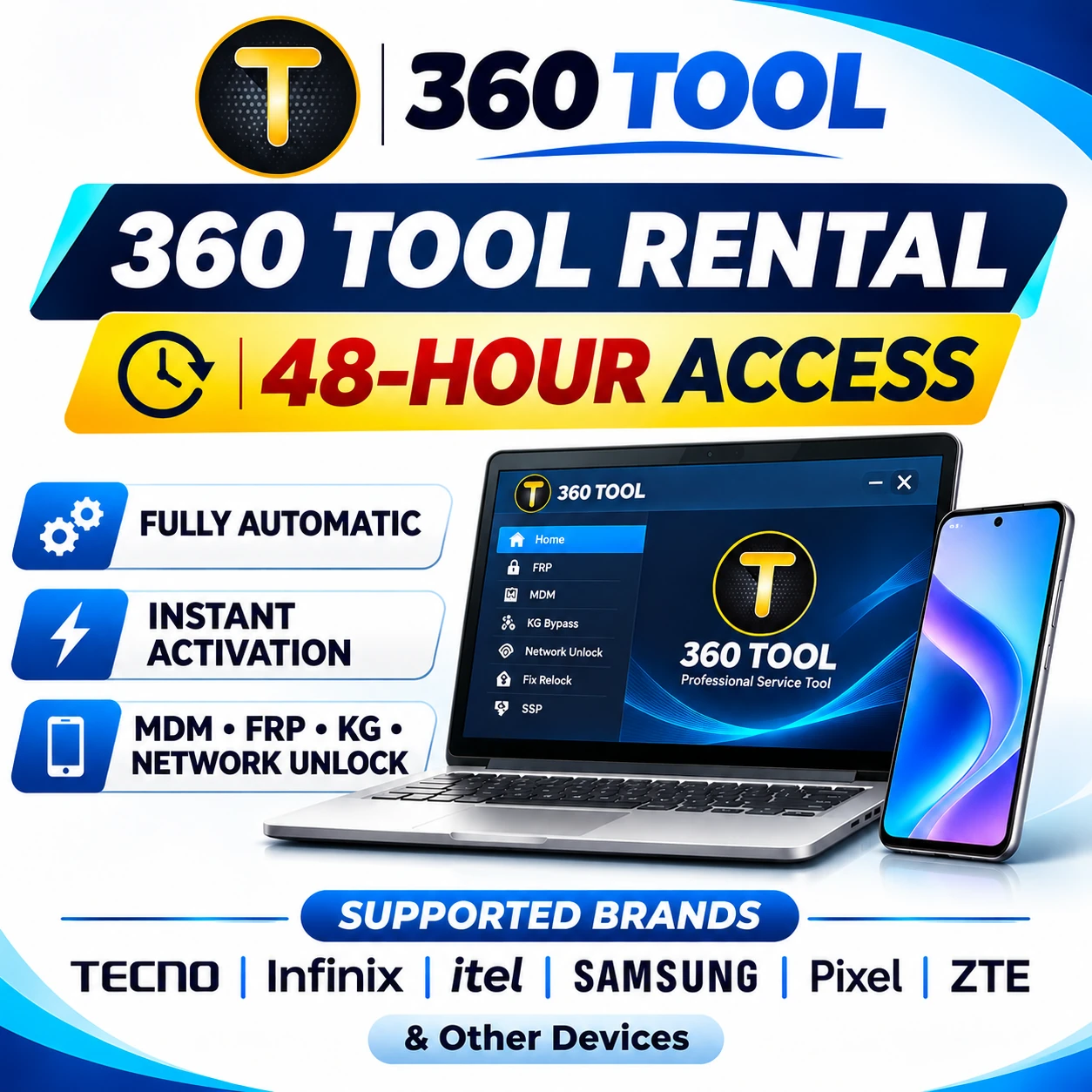
360 TOOL User Rental | 48-Hour Access
Rent TOJO 360 TOOL for 48 hours with instant activation. Enjoy temporary access to mobile servicing features with official 360 TOOL software download.
USD 1.90
In stock
Delivery: 0-5 Minutes
Description
360 TOOL User Rental | 48-Hour Access Rent 360 TOOL for 48 hours with our fully automatic rental service. Get temporary access to the available 360 TOOL features with instant activation after placing your order. Ideal for mobile servicing professionals who need extended temporary access to the tool. SERVICE INFORMATION Tool: 360 TOOL (TOJO 360) Service Type: User Rental Rental Duration: 48 Hours Activation: Instant Processing: Fully Automatic Access: Temporary Rental Access Expiration: Automatic After 48 Hours 360 TOOL FEATURES FRP Removal Solutions MDM Servicing Solutions Samsung KG Bypass Support Network Unlock Code Services Fix Relock Features SSP (Smart Super Patcher) Available functions depend on device model, security version and tool compatibility. SUPPORTED DEVICE BRANDS Tecno Infinix Itel Samsung Google Pixel ZTE Mobigo Alcatel Additional supported devices according to official tool updates. HOW THIS RENTAL SERVICE WORKS Place your order for 360 TOOL 48-Hour Rental. Our system automatically processes your order. Your temporary rental access is activated instantly. Use the available 360 TOOL features during your rental period. Your rental access expires automatically after 48 hours. OFFICIAL TOOL WEBSITE & SOFTWARE DOWNLOAD Visit the official TOJO 360 website to explore supported devices, tool features and available updates. Download the official software setup using the button below. TOJO 360 – Official Website Visit Official Website 360 TOOL PRO Setup Version 1.5 | ZIP File | 206.78 MB Download 360 TOOL Setup IMPORTANT NOTES Rental access is valid for 48 hours only. Activation is instant after successful order processing. Please download and prepare the software before using your rental time. Do not share your rental access or login details with others. Access expires automatically after the 48-hour rental period. Additional rental time requires a separate rental order. Check the official tool features and device compatibility before ordering. Available functions may vary depending on device model and security version. CUSTOMER SUPPORT For assistance with rental activation, access details, software downloads or rental-related questions, please contact our support team.